[
Solution
]

How to create client-ready exception reports from document reviews?

Generate exception reports that connect findings, source evidence, reviewer decisions, workflow status, and recommended actions.
Build reports from verified findings

Client-ready exception reports need more than extracted text. They need clear findings, materiality, evidence links, reviewer sign-off, status, recommended actions, and a way to trace each statement back to the source document.

TextMine helps delivery teams review document-heavy work in Workbench, store evidence in Vault, and turn validated findings into structured outputs.

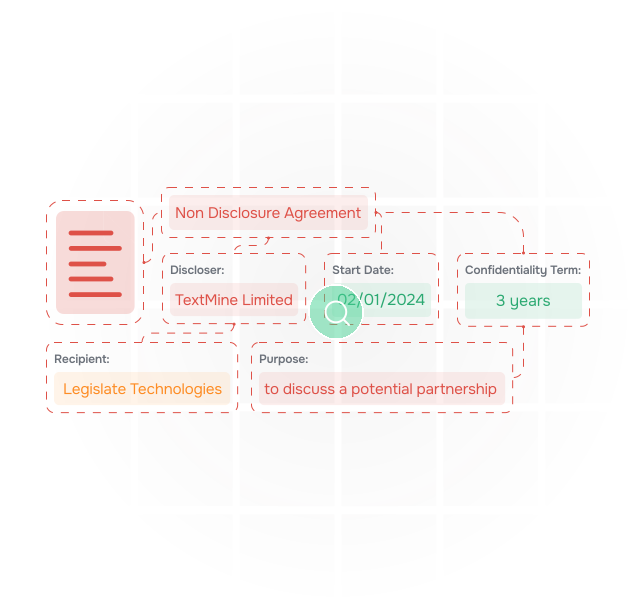
An illustration of data being extracted from documents

Standardise the exception model

Teams can define exception categories such as missing clause, non-standard position, expired evidence, conflicting value, low confidence, policy breach, approval needed, or downstream system update. Playbooks can define how issues should be assessed.

This keeps reporting consistent across workstreams, consultants, and review waves.

an illustration of documents

Connect reporting to remediation

Workflows can assign exceptions to owners, track decisions, request evidence, and capture approvals. Records provide the structured data layer for report views, exports, dashboards, and system updates.

an illustration of vault extracting data from contracts and answering questions about them

Make outputs easier to defend

When a client, auditor, or regulator asks how a finding was reached, teams can show the original document, extracted text, confidence score, reviewer decision, and workflow history. That traceability makes reports more credible and reduces rework.

Define categories
Standardise how exceptions are named, prioritised, and escalated.
Link evidence
Connect every finding to source documents, clauses, pages, and confidence scores.
Capture decisions
Record reviewer approvals, edits, rejections, and comments.
Track status
Show open, in review, accepted, remediated, and blocked exceptions.
Assign owners
Route each issue to legal, compliance, procurement, finance, or business teams.
Generate exports
Create summaries, trackers, and evidence packs from the same source-linked dataset.
Defend the report
Preserve the audit trail behind every conclusion and recommendation.
Define categories
Standardise how exceptions are named, prioritised, and escalated.
Link evidence
Connect every finding to source documents, clauses, pages, and confidence scores.
Capture decisions
Record reviewer approvals, edits, rejections, and comments.
Track status
Show open, in review, accepted, remediated, and blocked exceptions.
Assign owners
Route each issue to legal, compliance, procurement, finance, or business teams.
Generate exports
Create summaries, trackers, and evidence packs from the same source-linked dataset.
Defend the report
Preserve the audit trail behind every conclusion and recommendation.

Make outputs easier to defend

When a client, auditor, or regulator asks how a finding was reached, teams can show the original document, extracted text, confidence score, reviewer decision, and workflow history. That traceability makes reports more credible and reduces rework.

Define categories
Standardise how exceptions are named, prioritised, and escalated.
Link evidence
Connect every finding to source documents, clauses, pages, and confidence scores.
Capture decisions
Record reviewer approvals, edits, rejections, and comments.
Track status
Show open, in review, accepted, remediated, and blocked exceptions.
Assign owners
Route each issue to legal, compliance, procurement, finance, or business teams.
Generate exports
Create summaries, trackers, and evidence packs from the same source-linked dataset.
Defend the report
Preserve the audit trail behind every conclusion and recommendation.
Define categories
Standardise how exceptions are named, prioritised, and escalated.
Link evidence
Connect every finding to source documents, clauses, pages, and confidence scores.
Capture decisions
Record reviewer approvals, edits, rejections, and comments.
Track status
Show open, in review, accepted, remediated, and blocked exceptions.
Assign owners
Route each issue to legal, compliance, procurement, finance, or business teams.
Generate exports
Create summaries, trackers, and evidence packs from the same source-linked dataset.
Defend the report
Preserve the audit trail behind every conclusion and recommendation.

Watch a video of Vault extract data from documents

How to get started with Vault

To see how Vault performs on your use document data extraction use case, book a demo with a member of our team using the following form.

Thank you! Your submission has been received!
Oops! Something went wrong while submitting the form.